

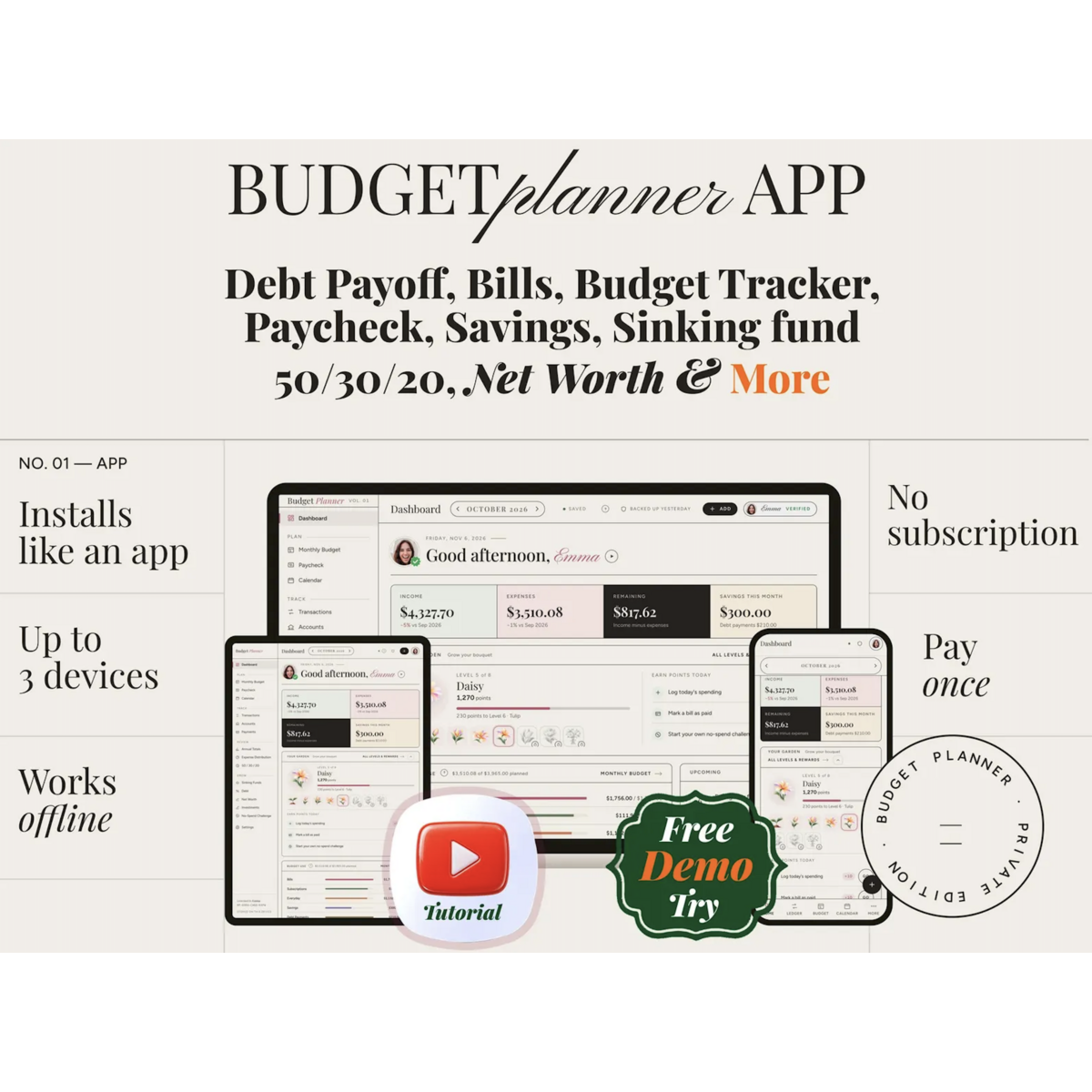

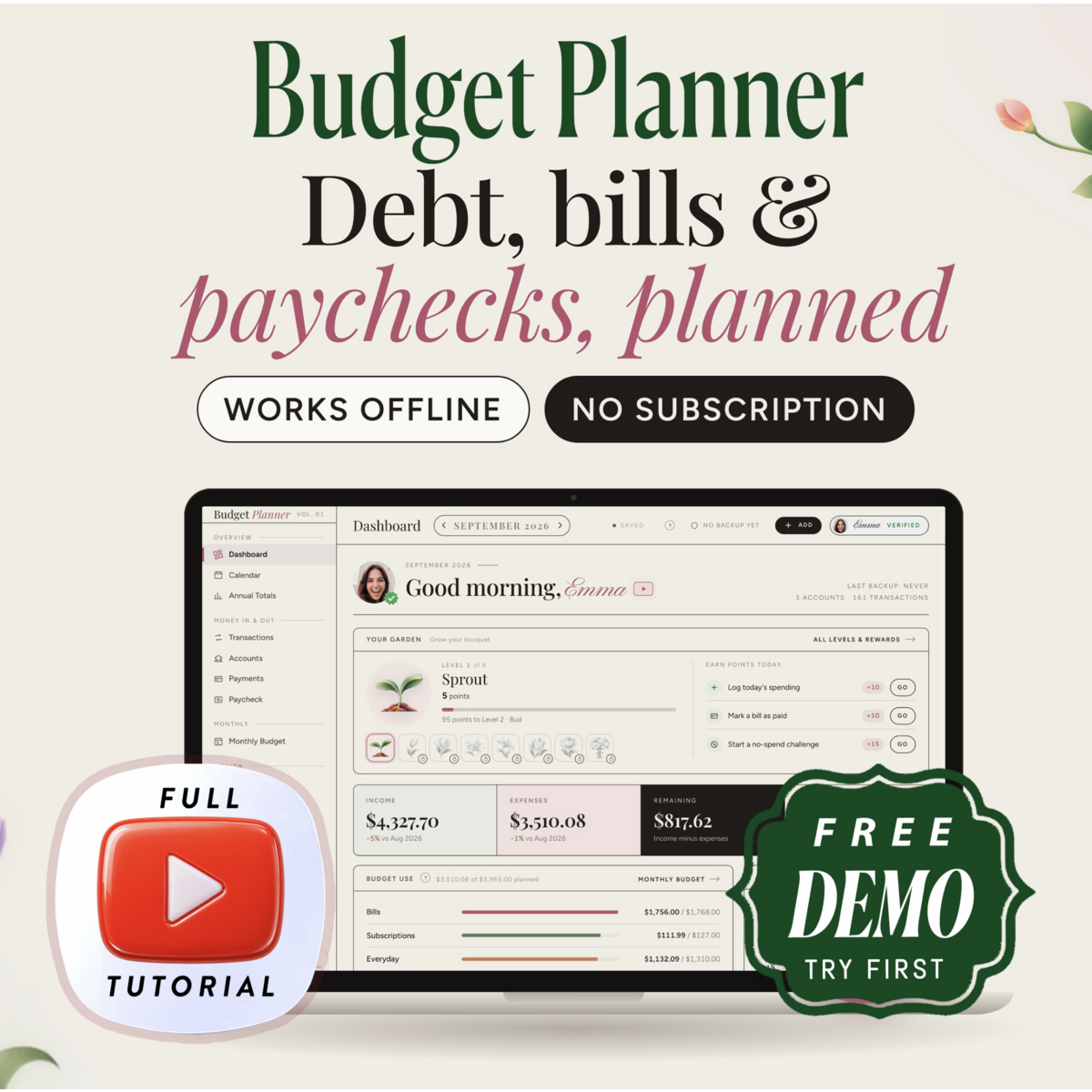
Budget Planner App for Phone, Tablet and Computer, Bill Tracker, Paycheck Budget, Debt Payoff, Savings Tracker, Offline, No Subscription
$9.49
$0.00
Note: You have to register with RebateKey.com to be able to claim a rebate for Budget Planner App. Rebates are guaranteed as long as you follow the rules.
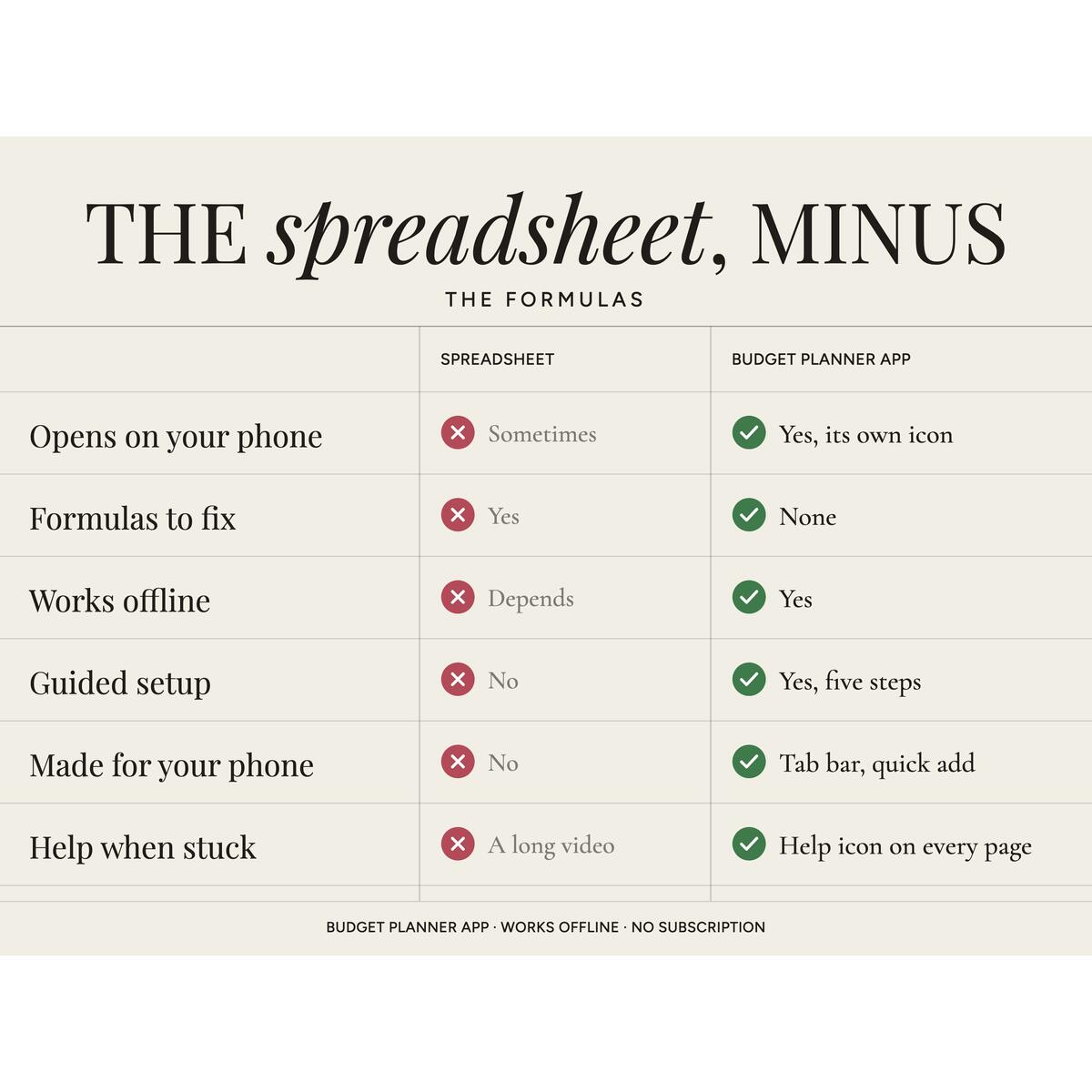
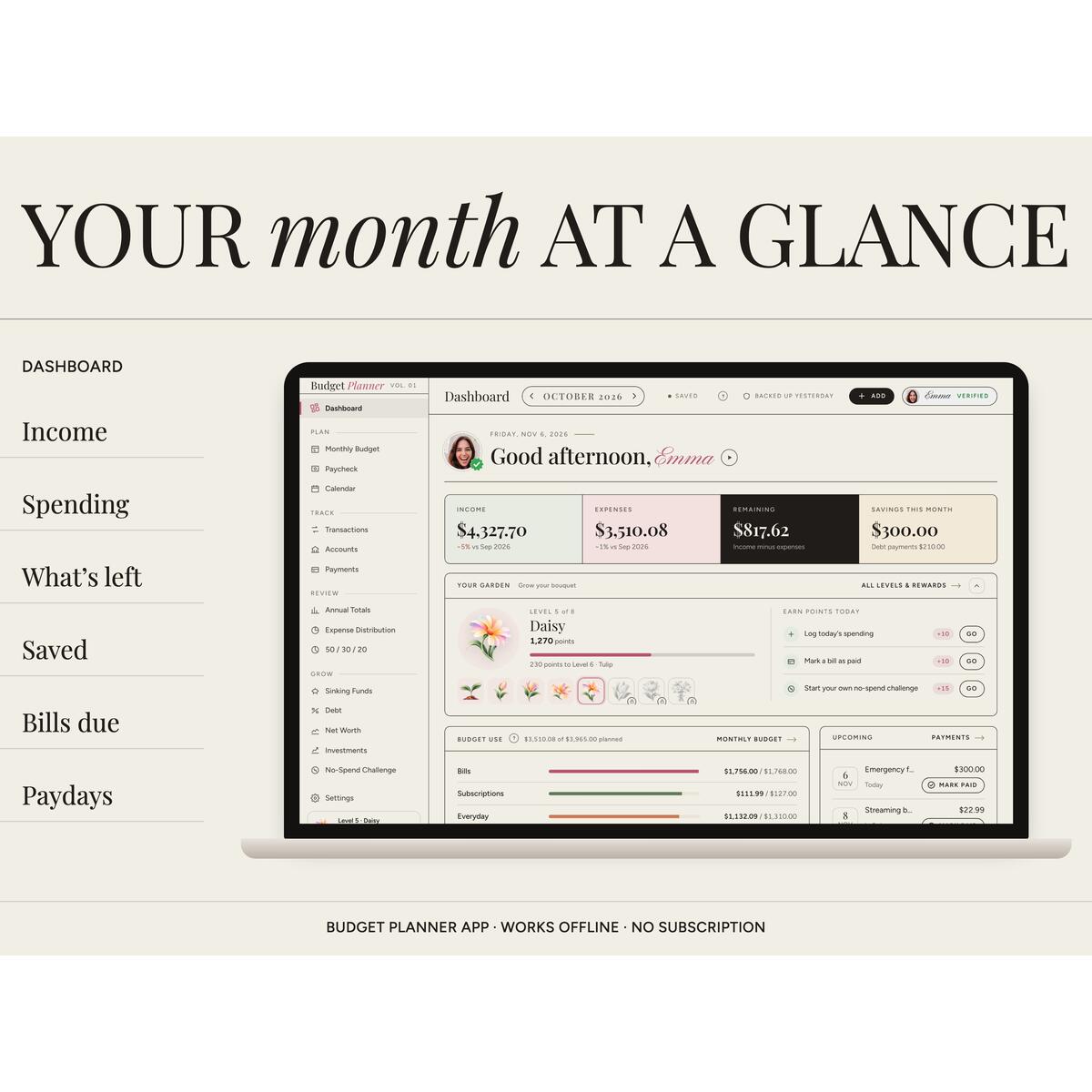
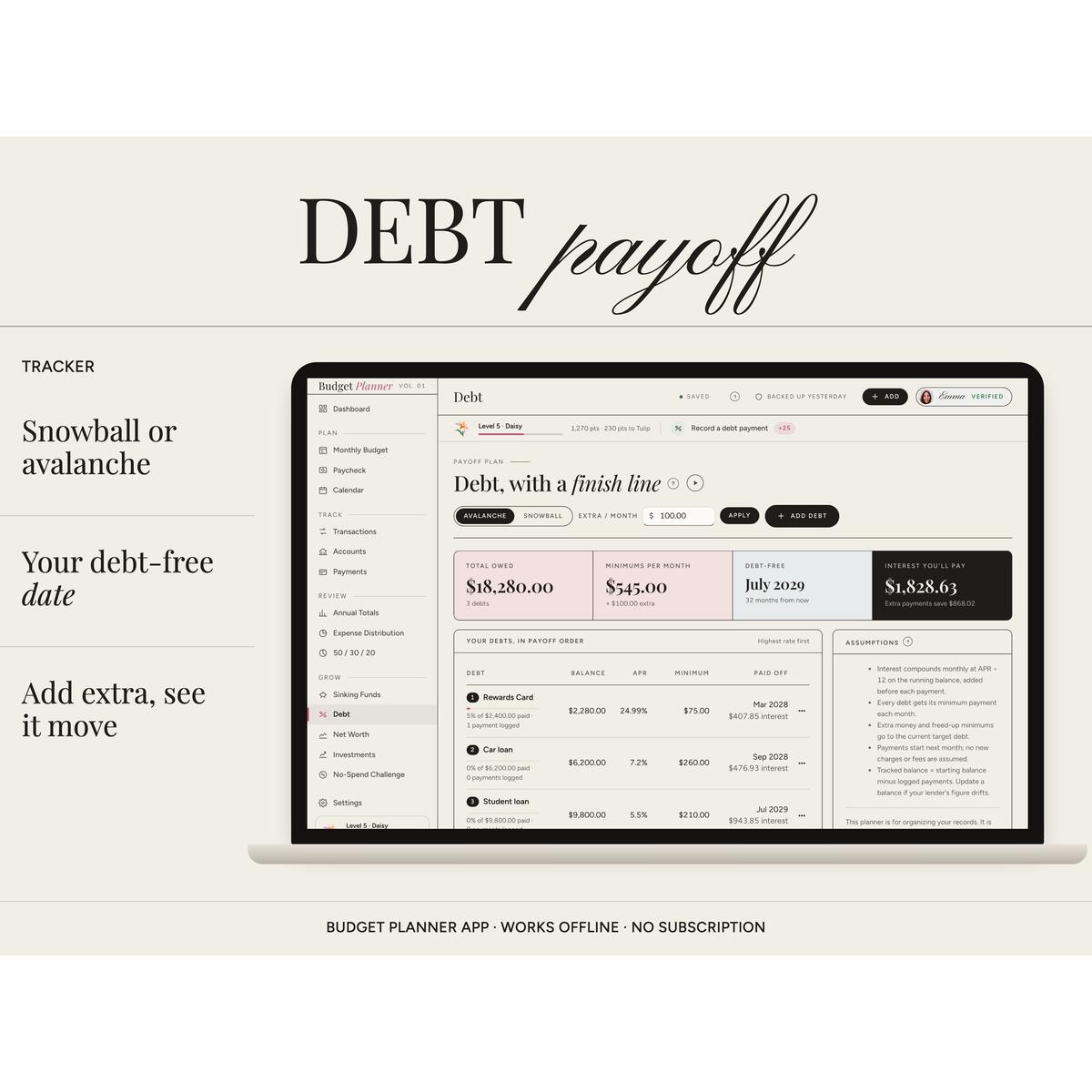
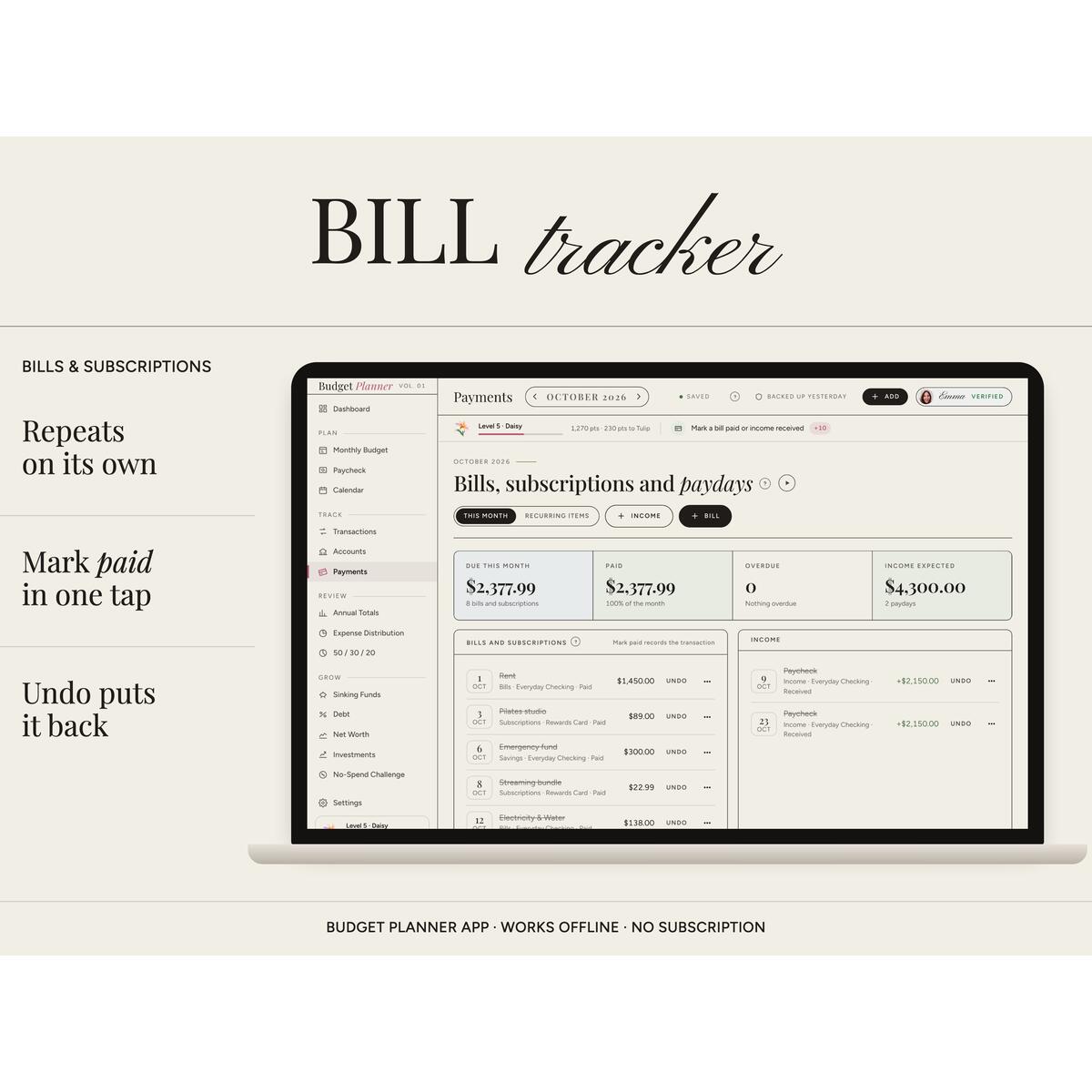
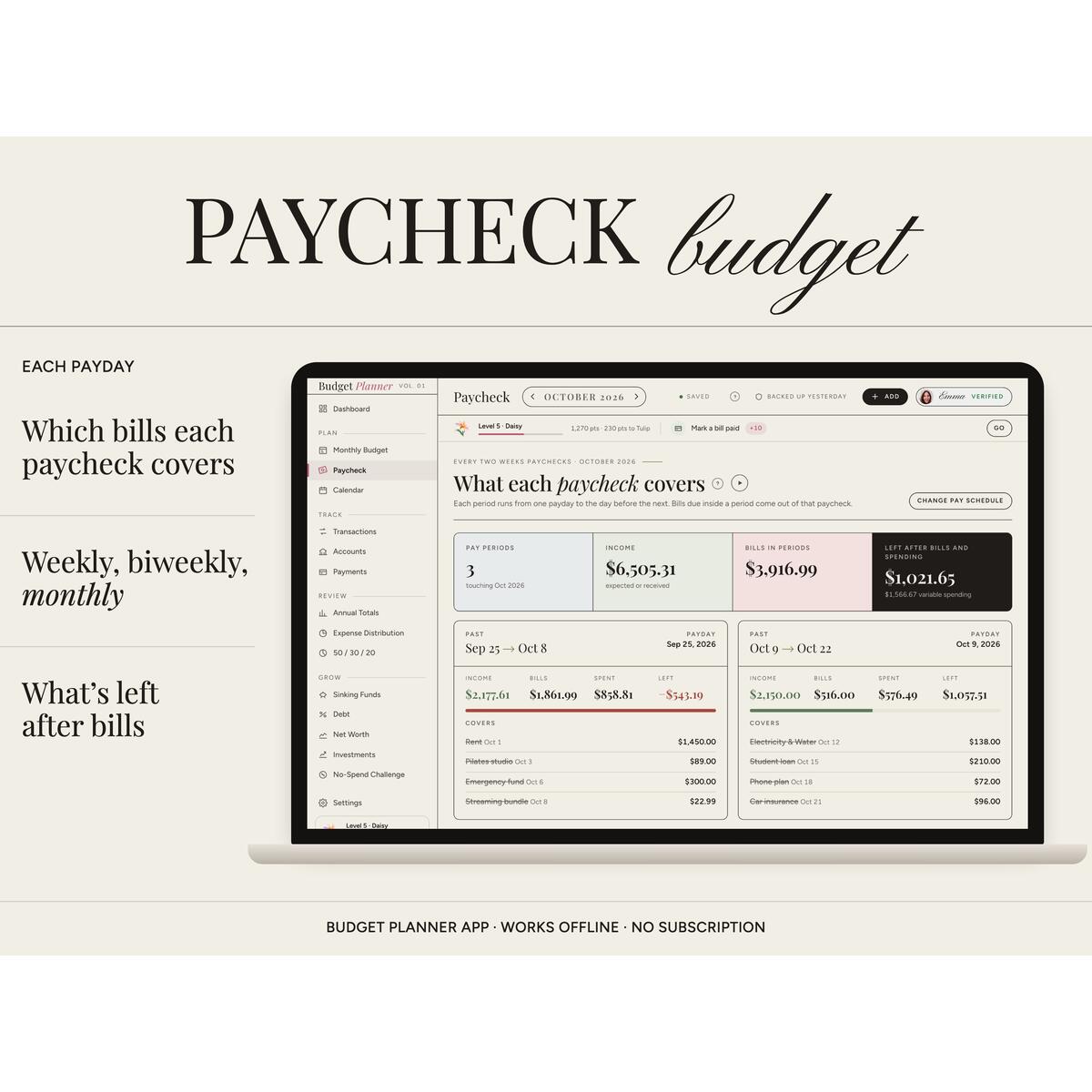
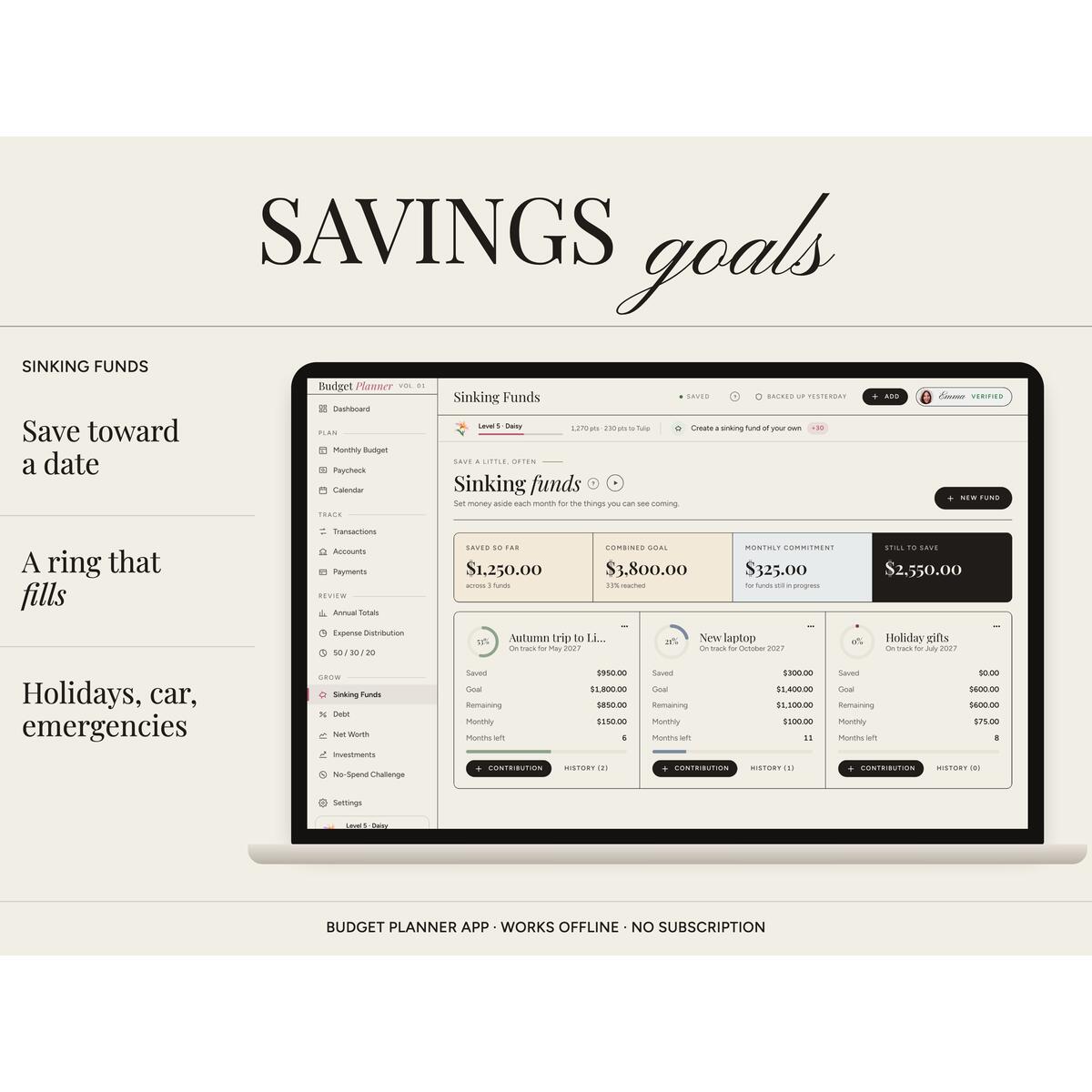
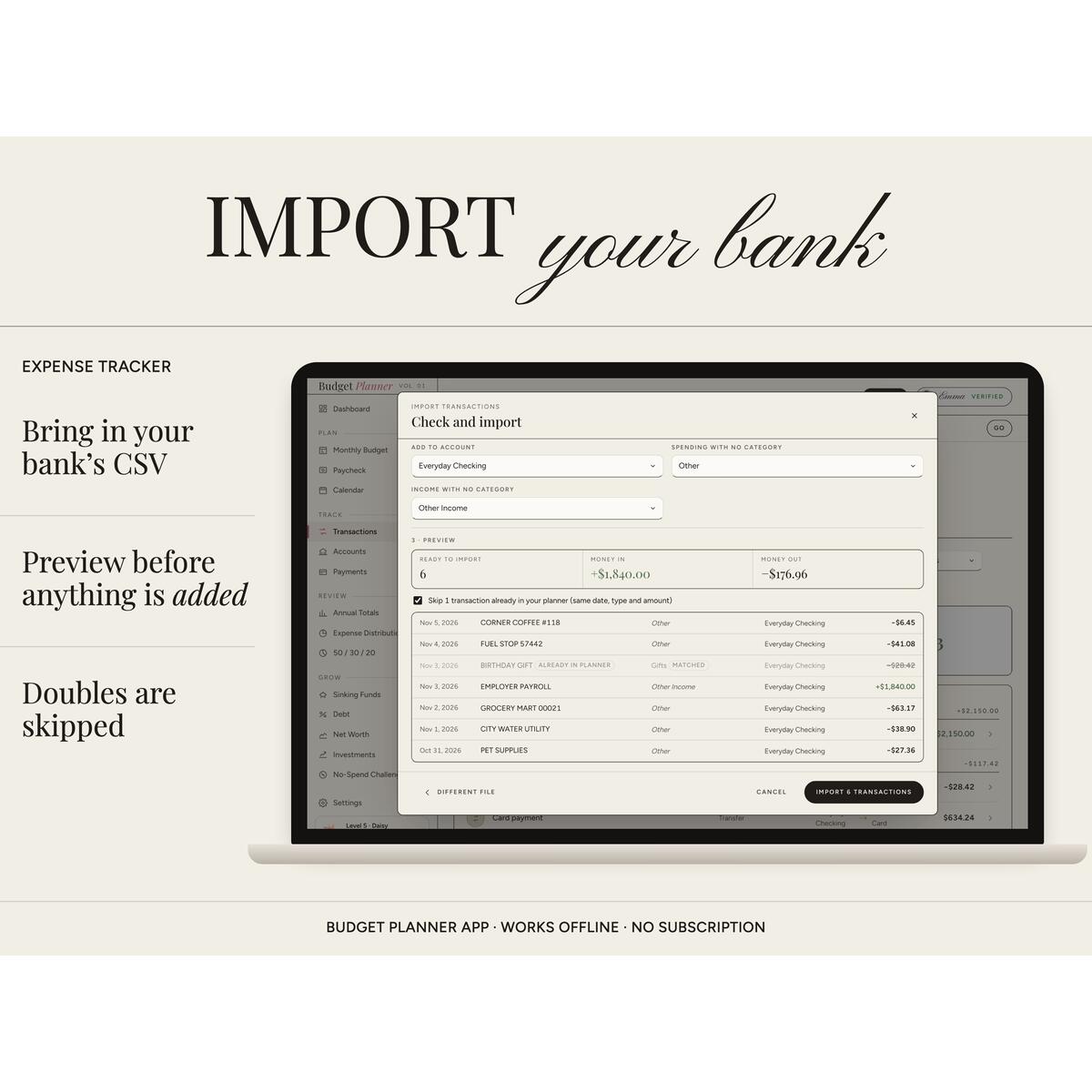
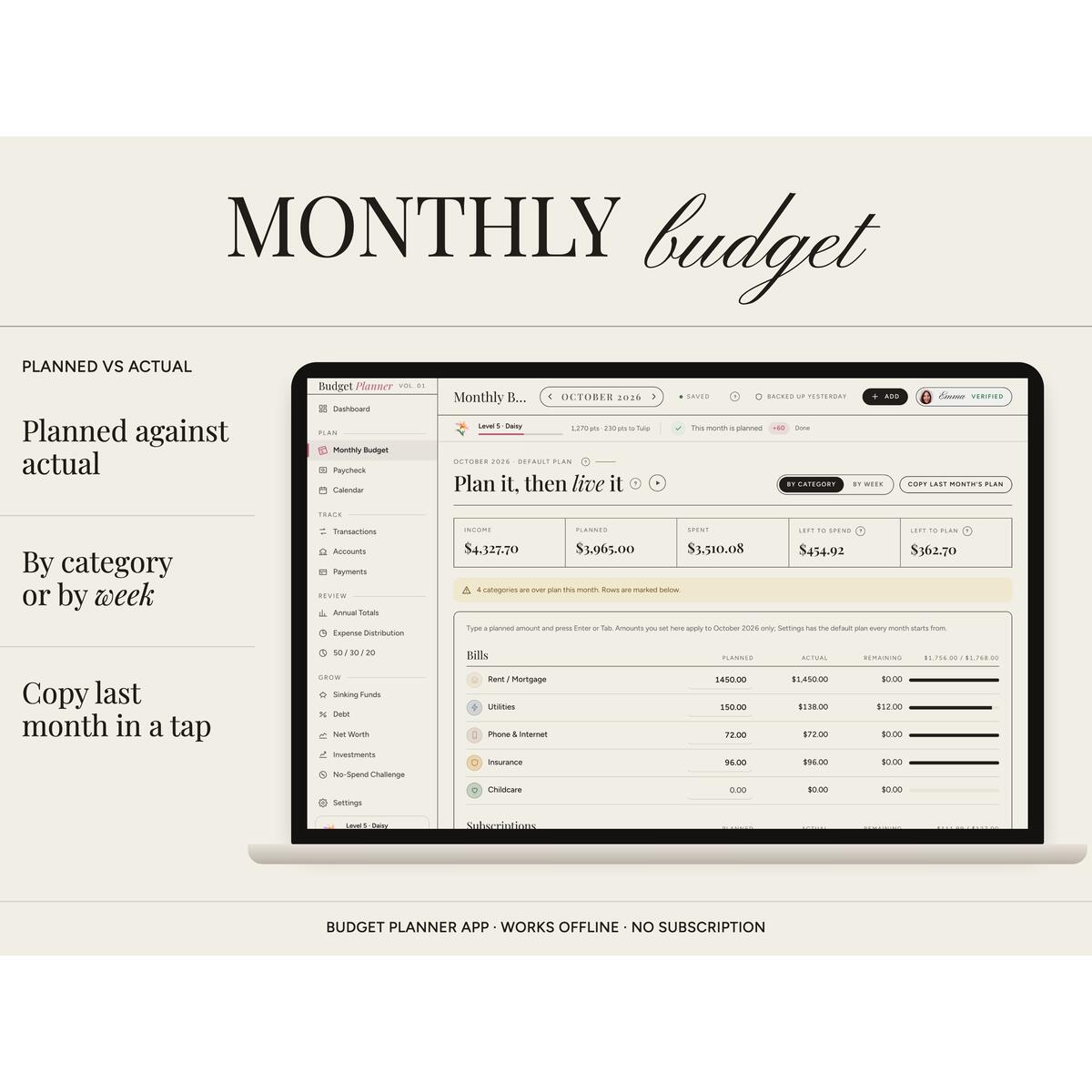
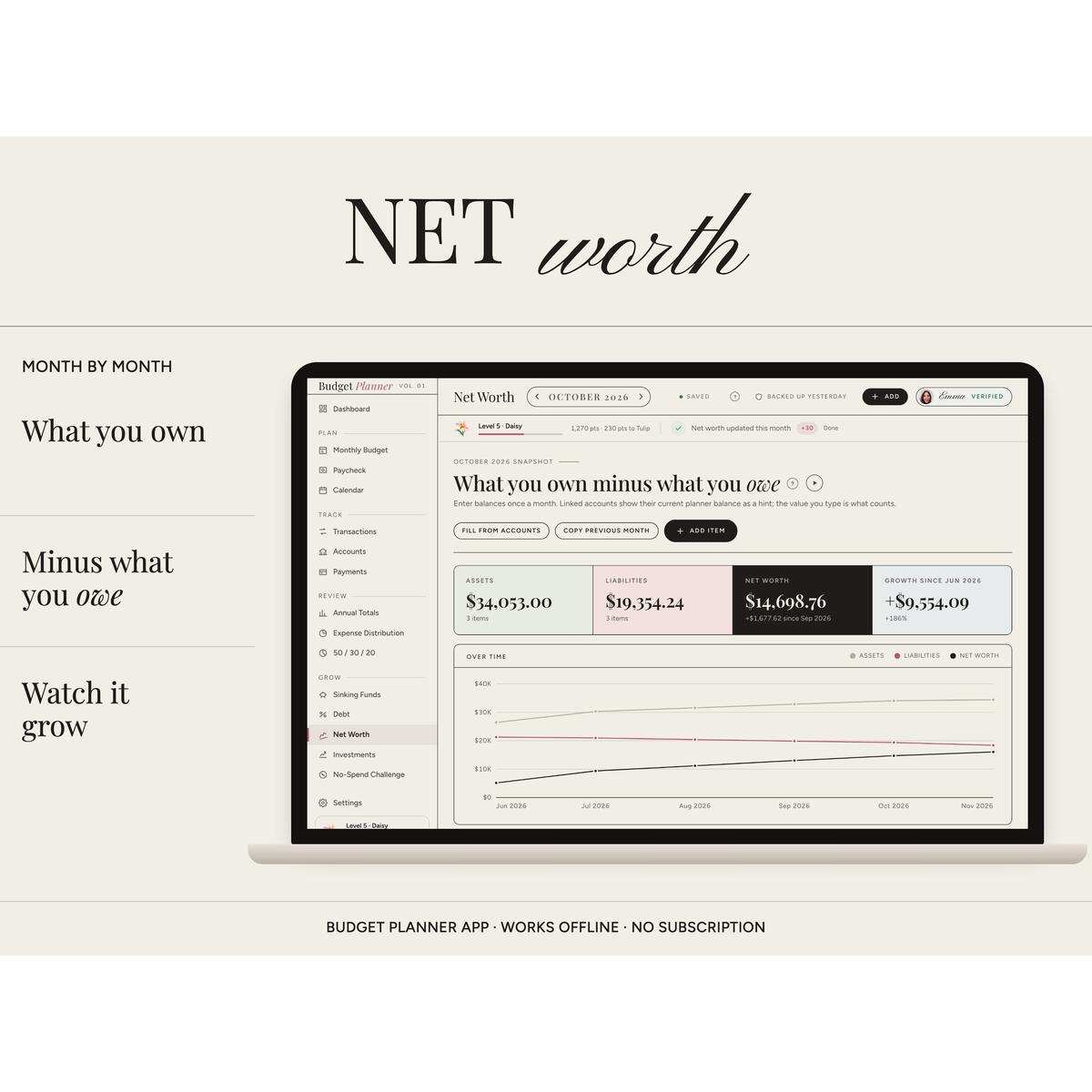
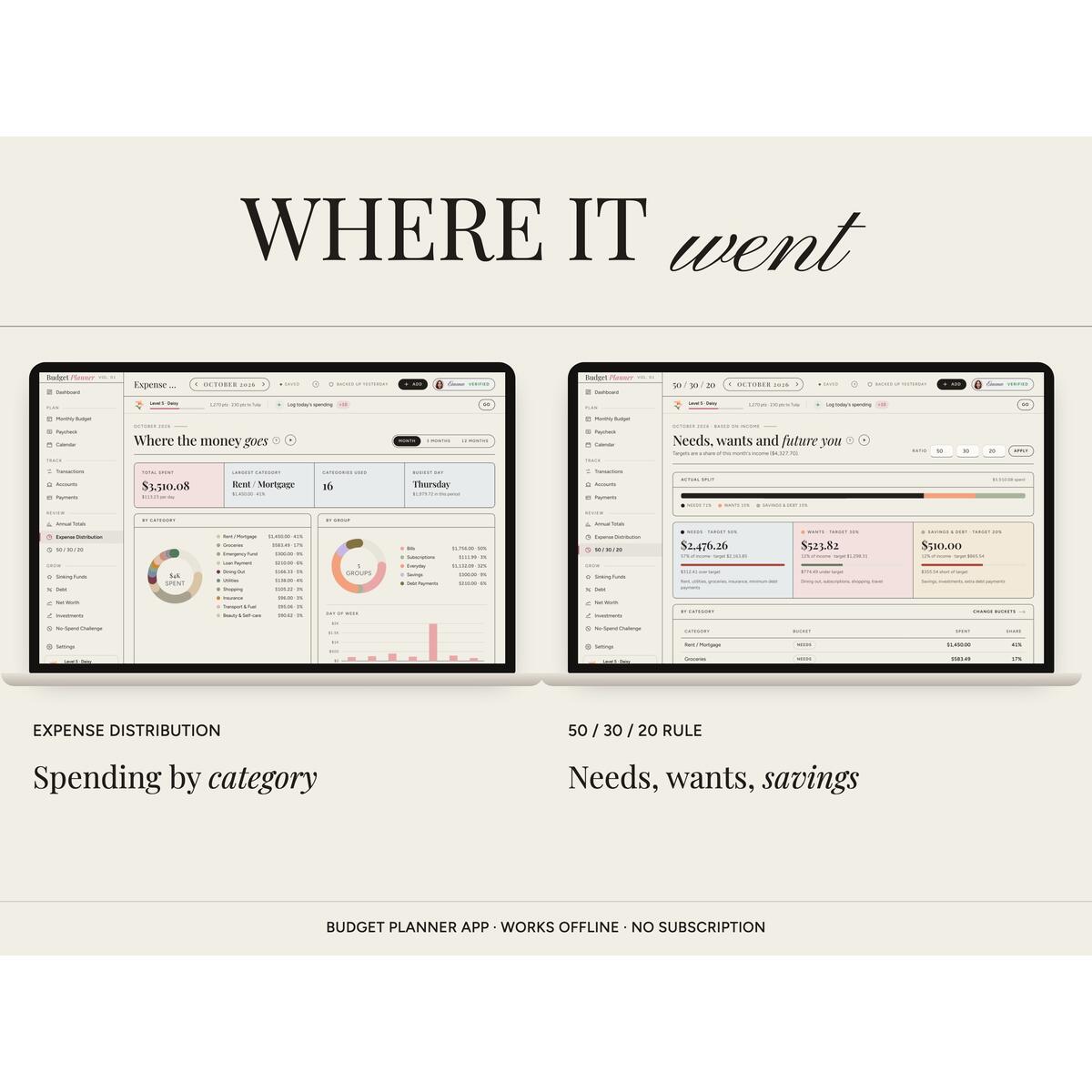
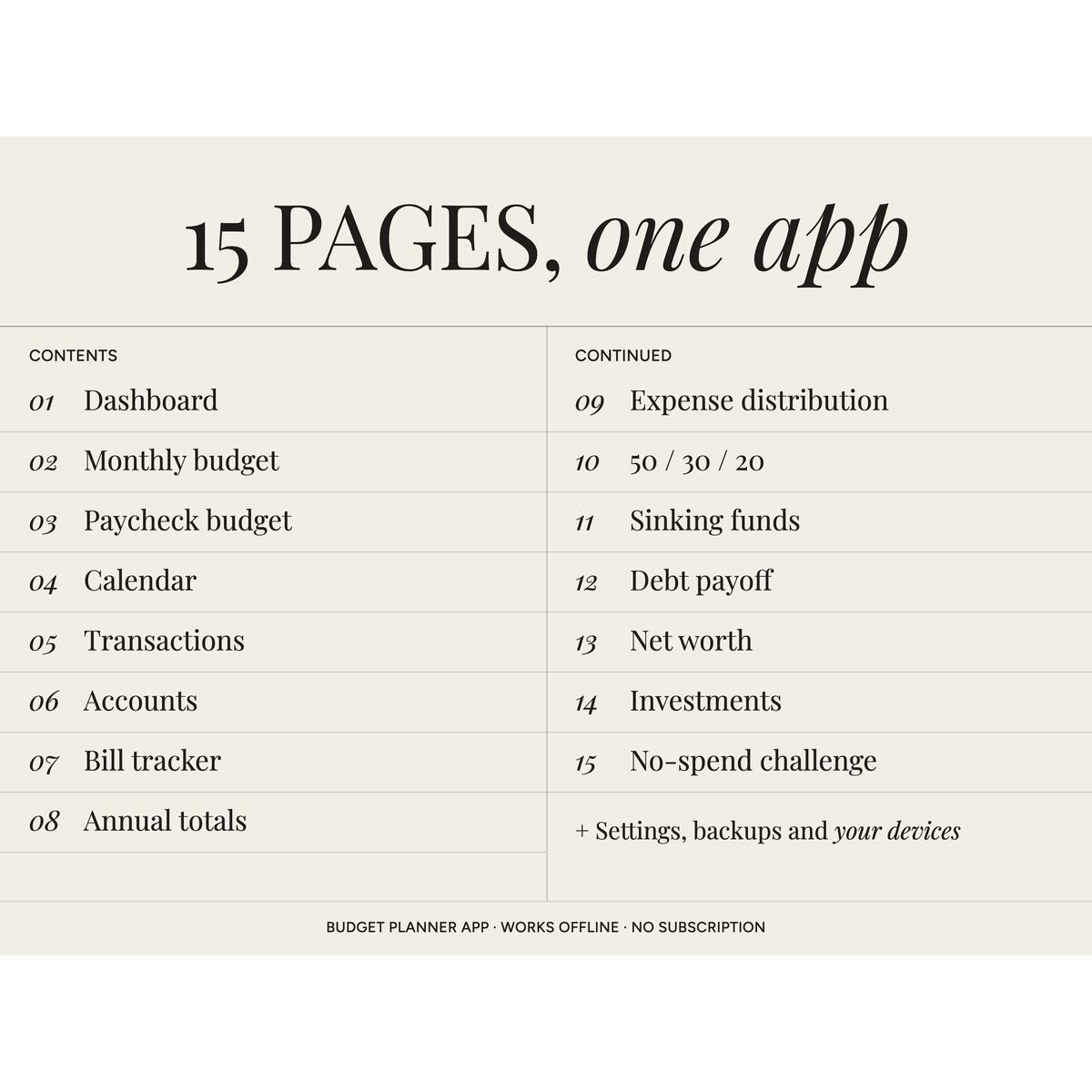
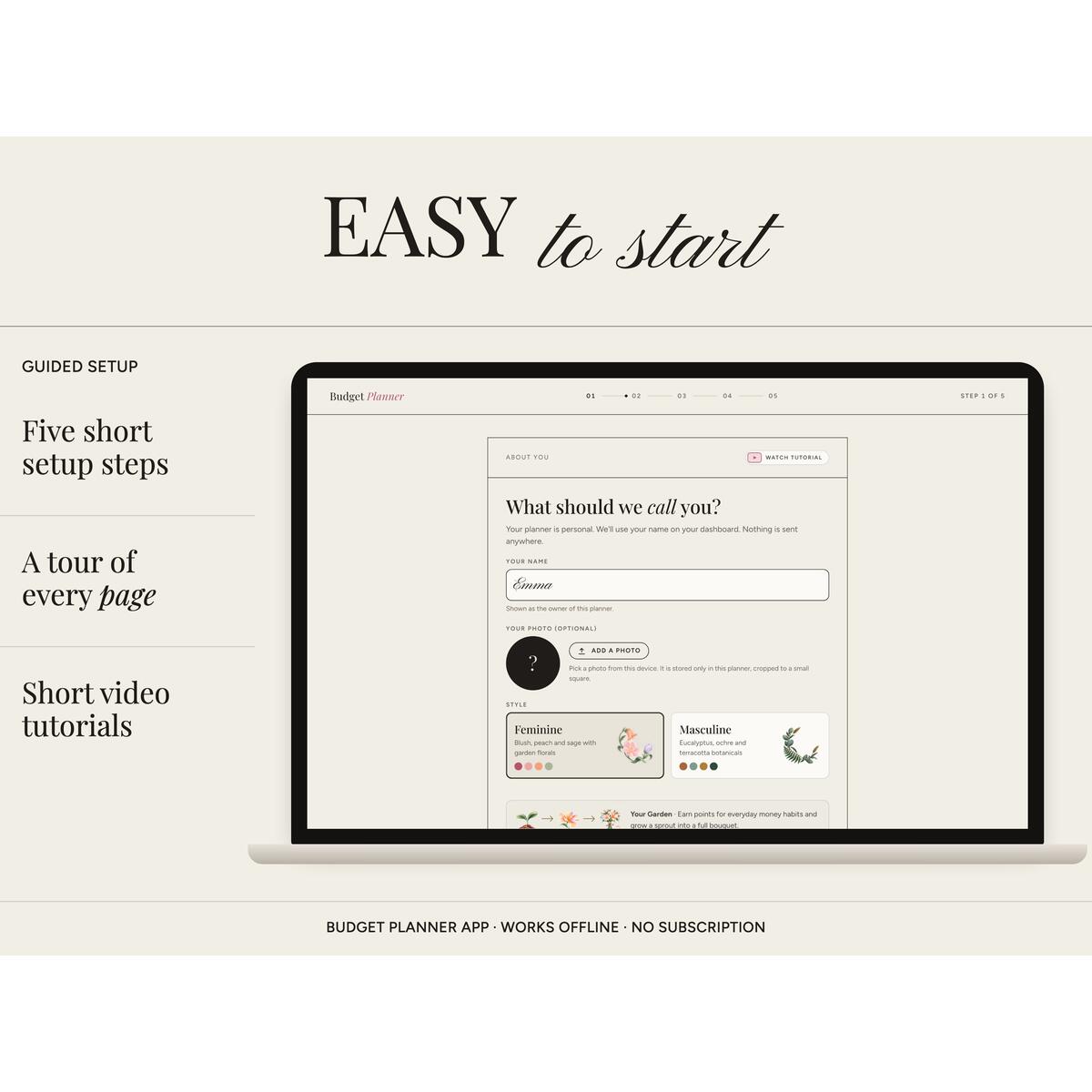
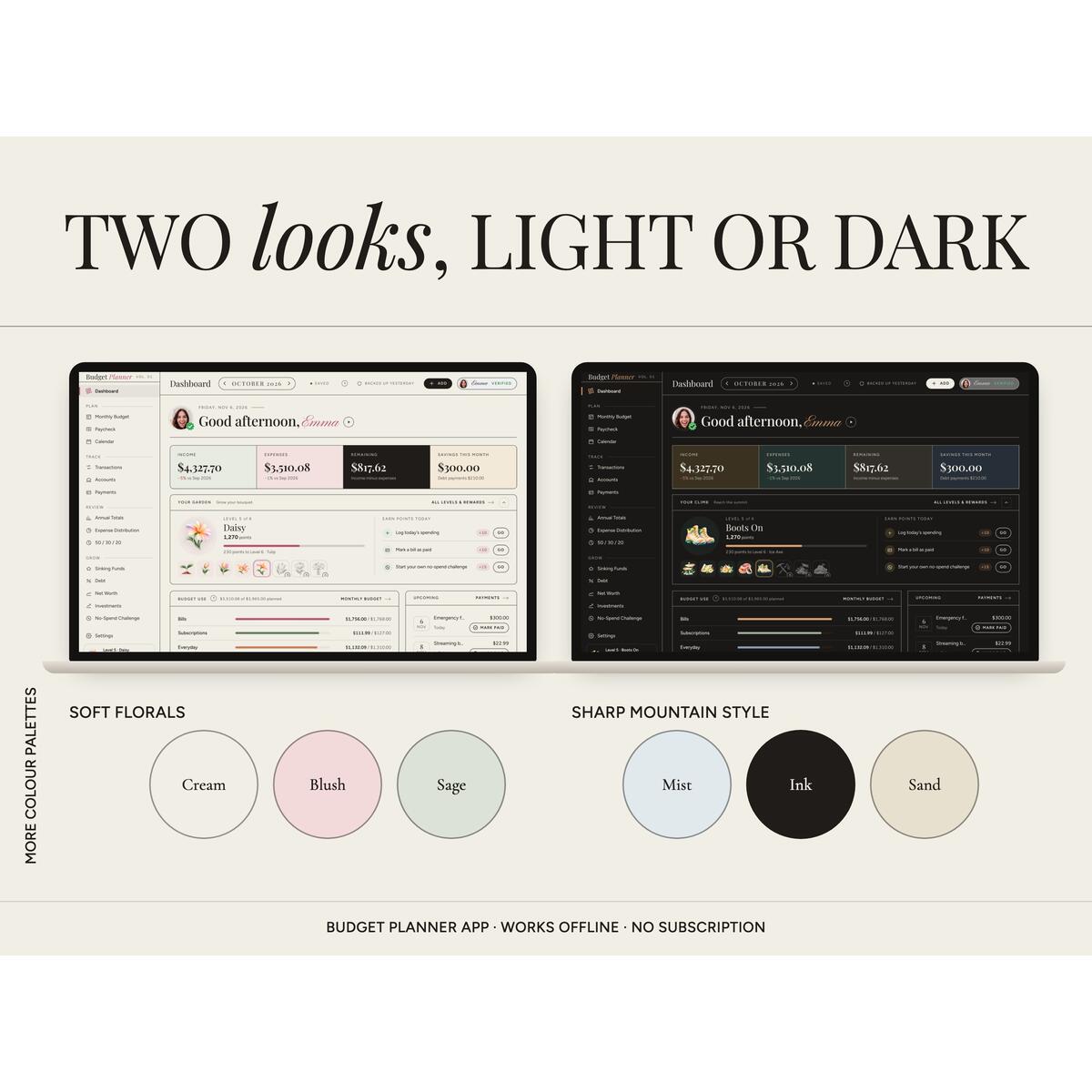
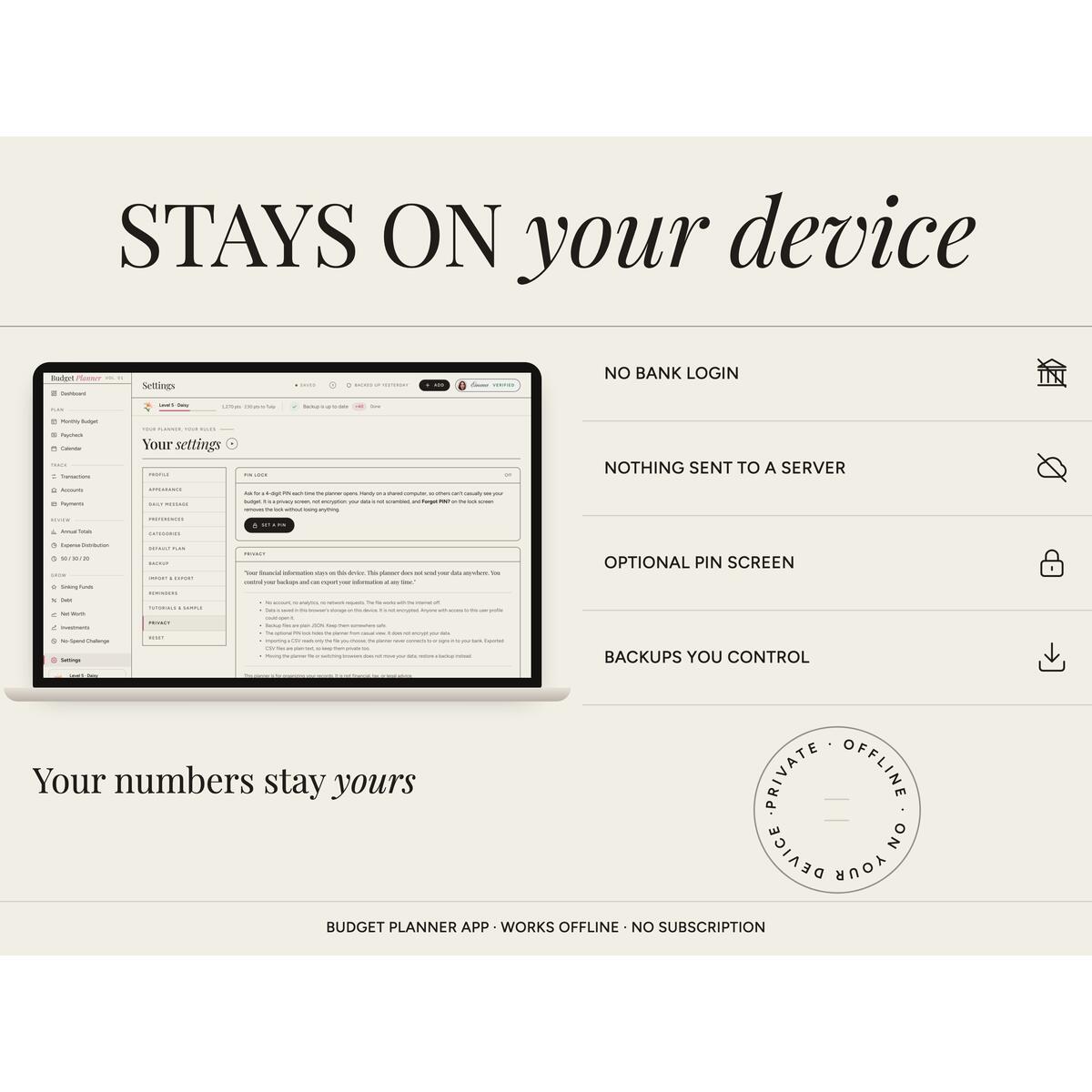
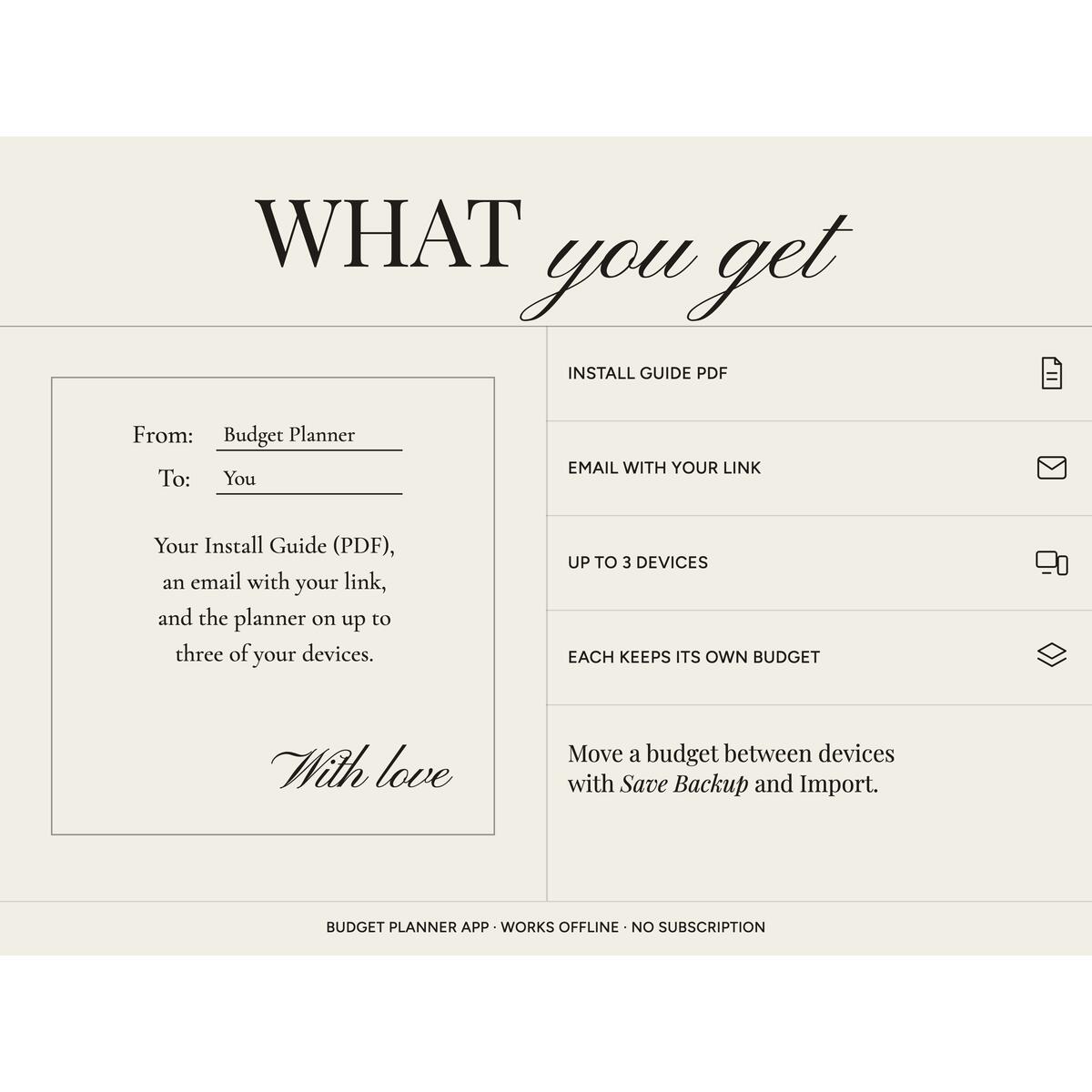
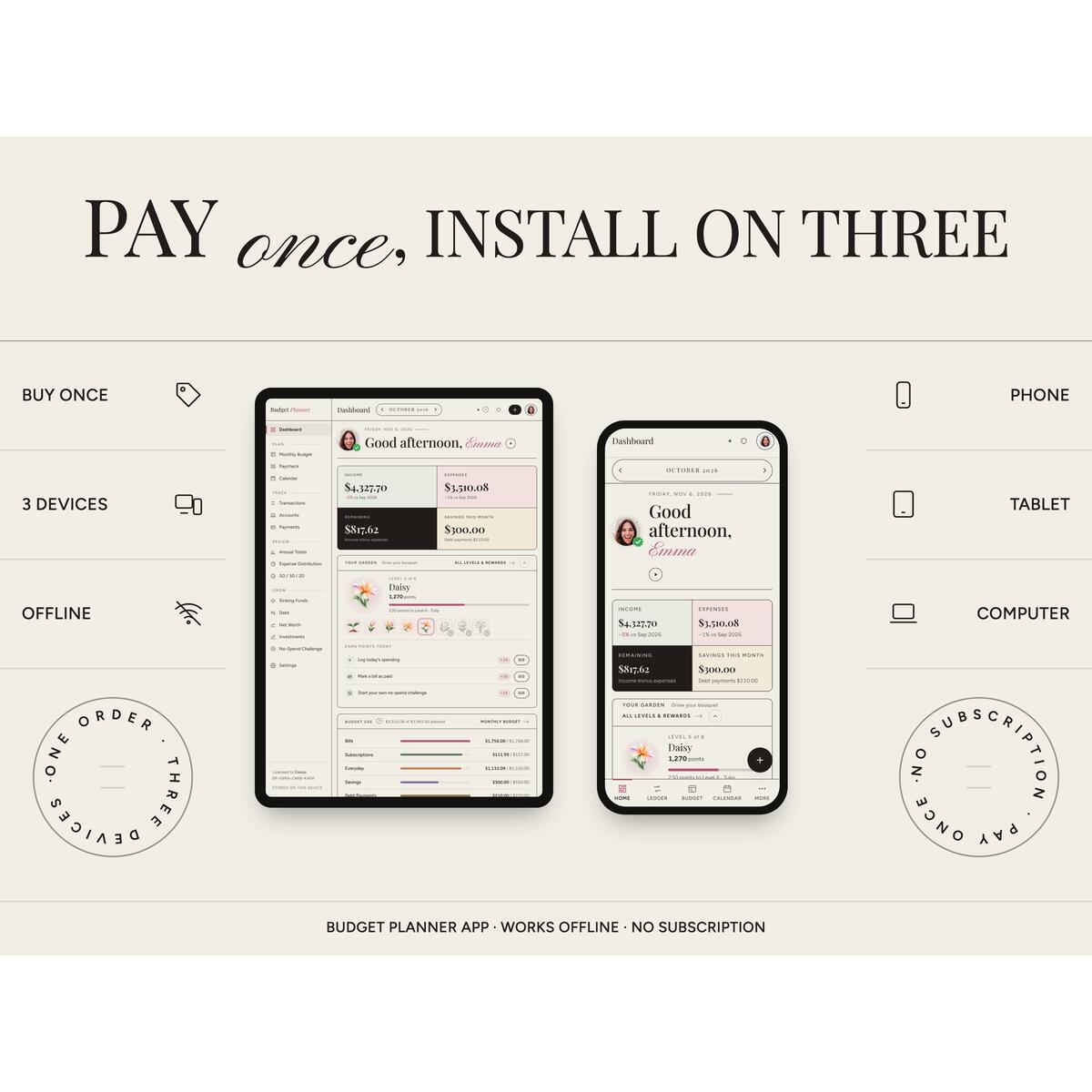
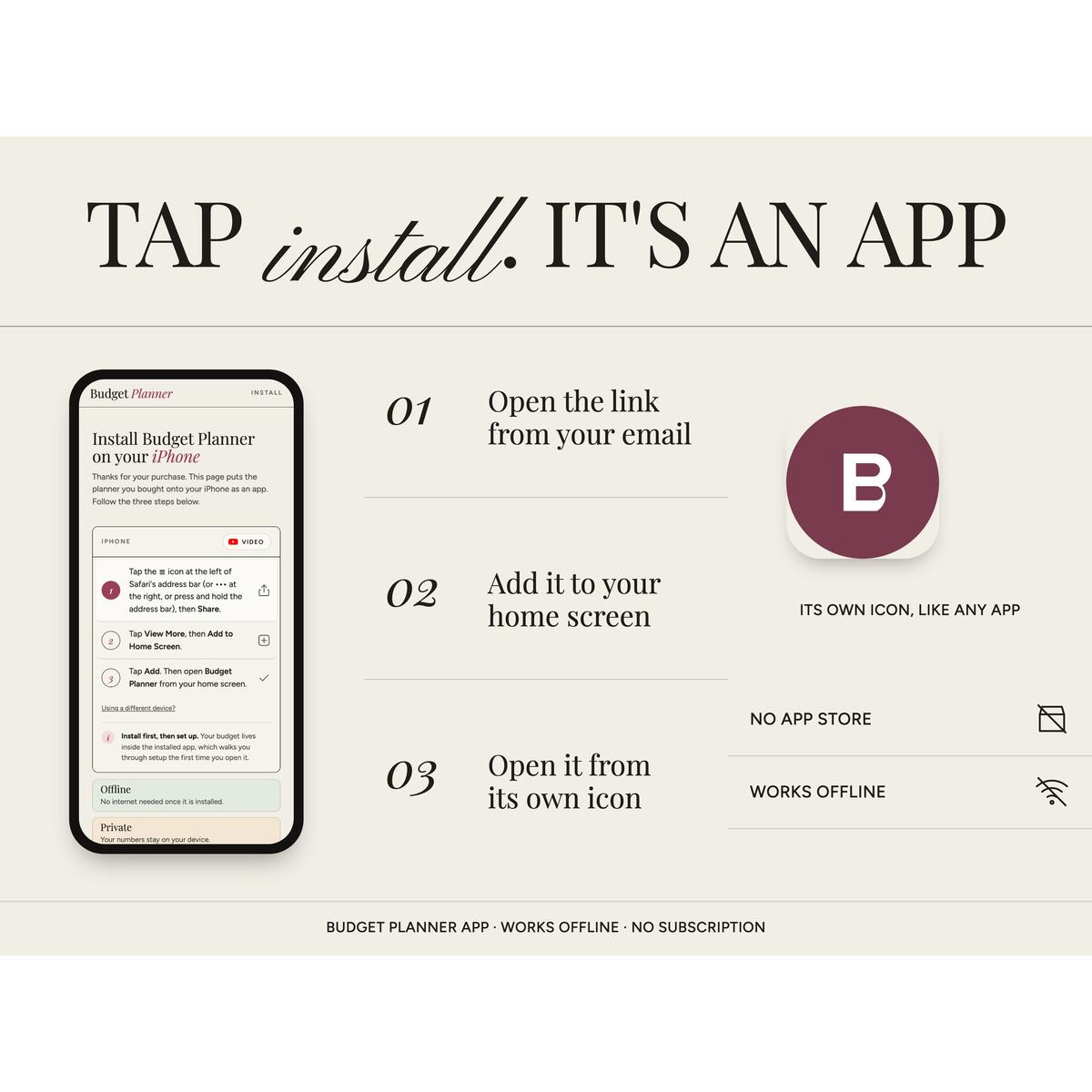
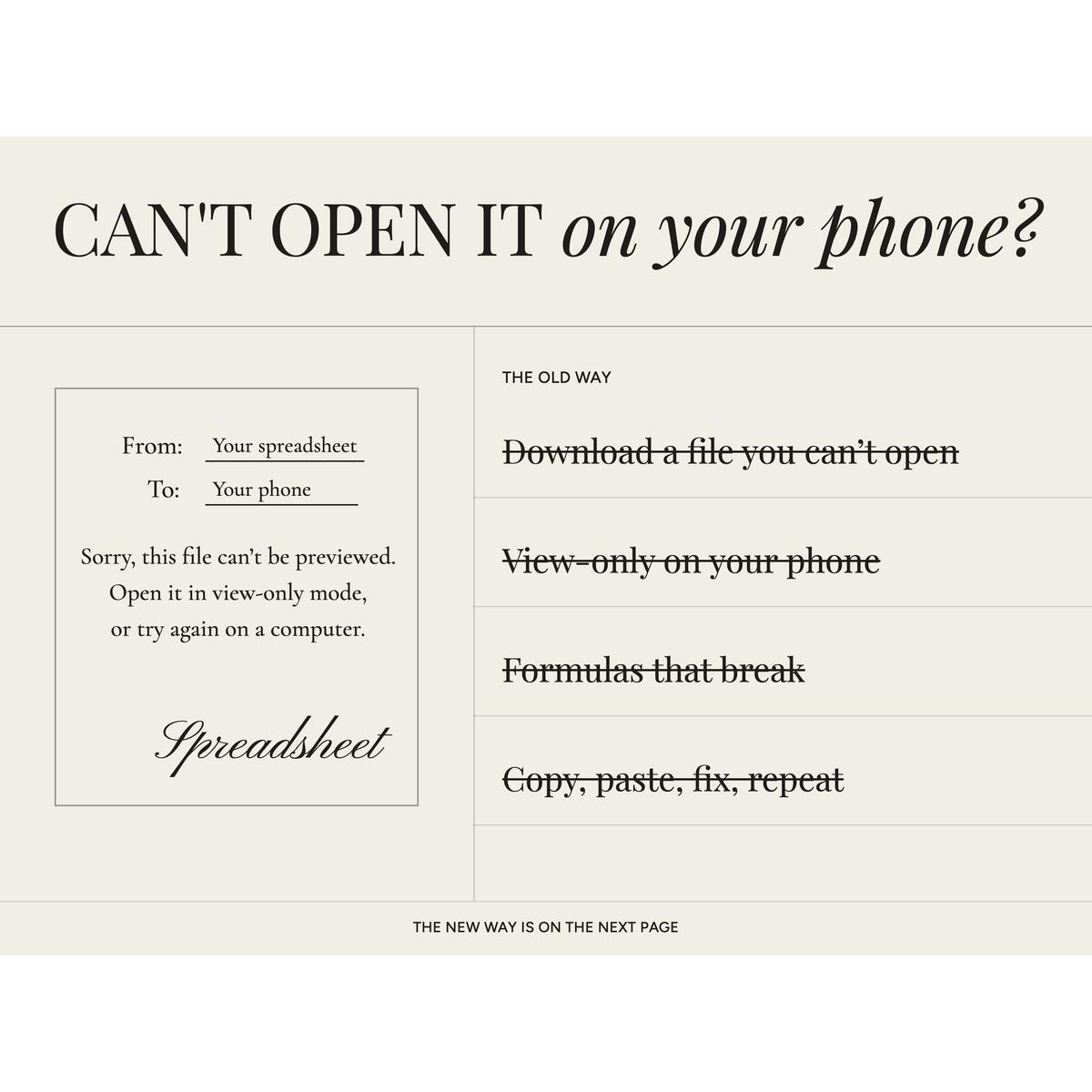
A budget planner app you install on your phone, tablet and computer. It works out your bills, paycheck, debt payoff and savings for you, works offline, and keeps your numbers on your device. No subscription.It is a finished planner with nothing to build. After you buy, you get an email with a link. Open it on your phone, tablet or computer, tap install, and the planner sits on your home screen or in your app list with its own icon. After five short setup steps, every page fills itself in from what you enter.▸ TRY THE FREE DEMO FIRSTCopy this link into your browser and explore with sample data: https://budget-planner-demo-alg.pages.dev▸ WHAT ONE ORDER GETS YOU• Install on up to 3 devices: for example your phone, your tablet and your laptop.• Works with no internet once it is installed.• Your numbers stay on the device you type them into. Nothing is sent to a server, and there is no bank connection.• You pay once; there is no monthly fee.▸ GOOD TO KNOW BEFORE YOU BUYEach device keeps its own budget. They do not sync. To move your budget from one device to another, save a backup file on one and import it on the other (two buttons in Settings). If you need your phone and laptop to update each other automatically, this planner won't do that.▸ MOVING FROM A SPREADSHEET?• Every total is calculated for you. There are no formulas to edit, copy or fix.• Nothing opens in view-only mode, and there is no file to download on your phone and then struggle to open.• Guided setup, a help icon on every page and short video tutorials.• Export any month to CSV for any spreadsheet app, and import your bank's CSV to fill the ledger.▸ WHAT IS INSIDE (every page, in menu order)• Dashboard: income, spending, what is left and what you saved this month, budget use, upcoming bills and paydays, a six-month chart, recent entries and your garden of rewards.• Monthly budget: planned against actual for every category, by category or by week, and copy last month's plan in one tap.• Paycheck budget: which bills each payday covers, weekly, biweekly, semi-monthly or monthly.• Calendar: due dates and paydays by day; mark a bill paid from the day itself.• Transactions: the ledger with search, filters, quick add, recurring entries, CSV import and export.• Accounts: checking, savings, cash and cards with balances that update as you go.• Bill tracker: bills, subscriptions and paydays that repeat on their own; Mark paid records the payment, Undo puts it back.• Annual totals: every month side by side.• Expense distribution: where the money went, by category.• 50/30/20: needs, wants and savings against the rule.• Sinking funds tracker: save toward a goal with a date and a ring that fills.• Debt payoff tracker: snowball or avalanche, with a payoff date and an extra-payment field.• Net worth tracker: what you own minus what you owe, month by month.• Investment forecast: a plain estimate from your rate and contributions, with the assumptions shown.• No-spend challenge: mark the days, keep a streak, see what you saved.• Settings: categories and default plan, currency and date format, two looks (soft florals or a sharp mountain style) in light or dark, an optional daily message, rewards you can fold away, a PIN screen, backups and restore with reminders, your devices, tutorials and sample data.On a phone the planner gets a bottom tab bar and a quick-add button; on a tablet or computer it uses the full layout.▸ HOW IT ARRIVES1. Buy, and download the Install Guide (PDF) from your Etsy purchases.2. Within a few minutes you get an email with a one-tap link that opens the planner on a computer.3. On a phone or tablet, open the address in the guide, follow the three install steps for that device (iPhone and iPad, Android, Mac or Windows), open the planner from its icon and type your Etsy email. We send a 6-digit code to sign you in. No email from us? Use your order number instead.You need an internet connection to sign in and install. After that it works offline. It installs from your browser; it is not in an app store.▸ PRIVACYYour financial information stays on your device. The planner does not send your budget anywhere. You control your backups and can export your information at any time. Device storage and backup files are not encrypted, and the PIN is a privacy screen, so keep your backups somewhere safe.This planner is for organizing your records. It is not financial, tax, or legal advice.▸ LICENSE AND SUPPORTPersonal use, one household, up to 3 devices per order. No resale or sharing of the link. Digital items cannot be returned; if anything does not work, message me and I will sort it out.
See what our users are saying!

Karen

Tanya

Daniella

Lena

Maxenne

Amber

Chalida

Taylor

Raymond
You'd like to get access to hundreds of deals?
Join tens of thousands of smart and happy shoppers! What are you waiting for?
Sign Up Now!More Deals from the Seller...
Similar Rebates and Coupons







So, what are you waiting for?
Sign Up Now!Be part of RebateKey
Join tens of thousands of smart and happy shoppers! What are you waiting for?
Start Now!